Simple Operation
Quickly design and improve diverse AI interactions with no programming required.
Build your own smart robot.
Cloud Development Tools
A suite of cloud development tools for robots that enables designing AI interactions without programming.
NUWA BizTools is a suite of cloud tools for creating and operating content for NUWA robots, including Kebbi. From block-based programming to 3D performance editing, dynamic expression design, dialogue design, and multi-robot management, it turns on-site ideas into robot experiences. For instructions, please refer to the respective tool guides in the Help Center.
Quickly design and improve diverse AI interactions with no programming required.
Configure conversational and guidance experiences linked with facial recognition and natural language processing tailored to your goals.
Use a wide range of ready-made assets as is, with support for advanced customization via SDK.
Adds fun to class content, bringing out children's concentration and thinking skills.
Enables on-site teams to produce customer service, guidance, and promotional content in-house, speeding up updates while enhancing visitor experiences.

Design original dialogues, expressions, and motions to create one-of-a-kind robot experiences.
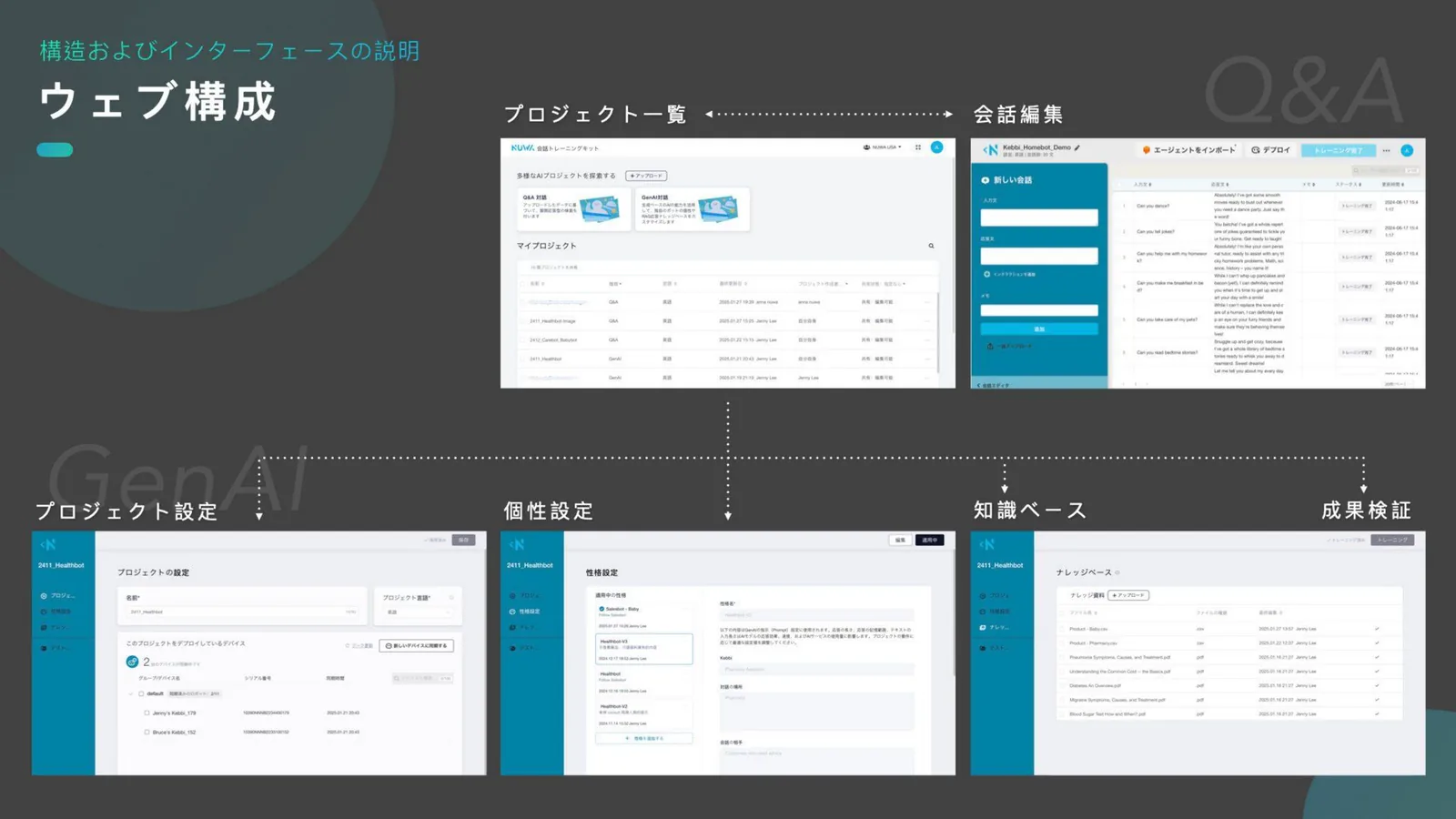
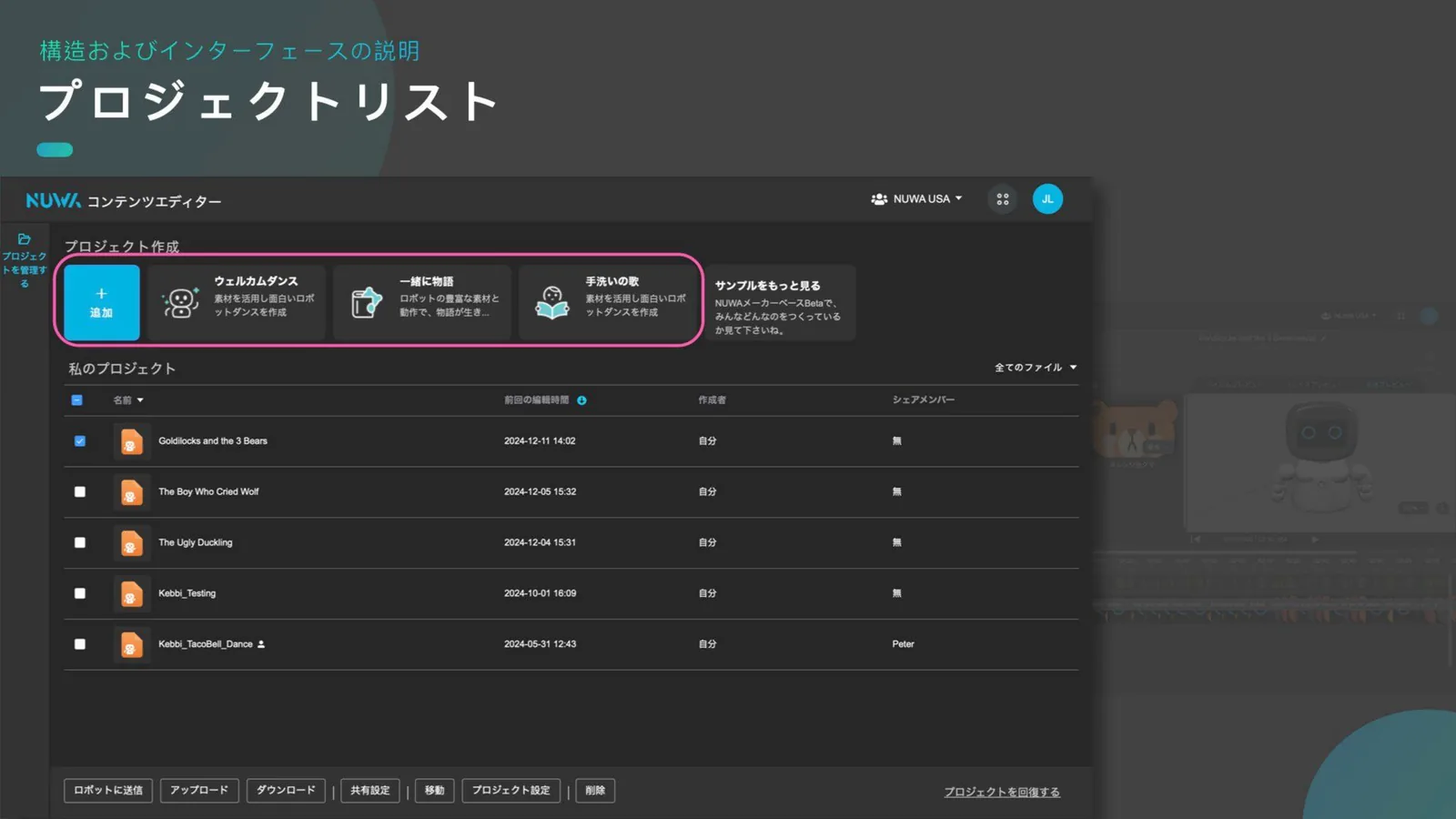
Introduces the role and workflow of each of the 8 tools using Japanese interface screens and explanatory diagrams.
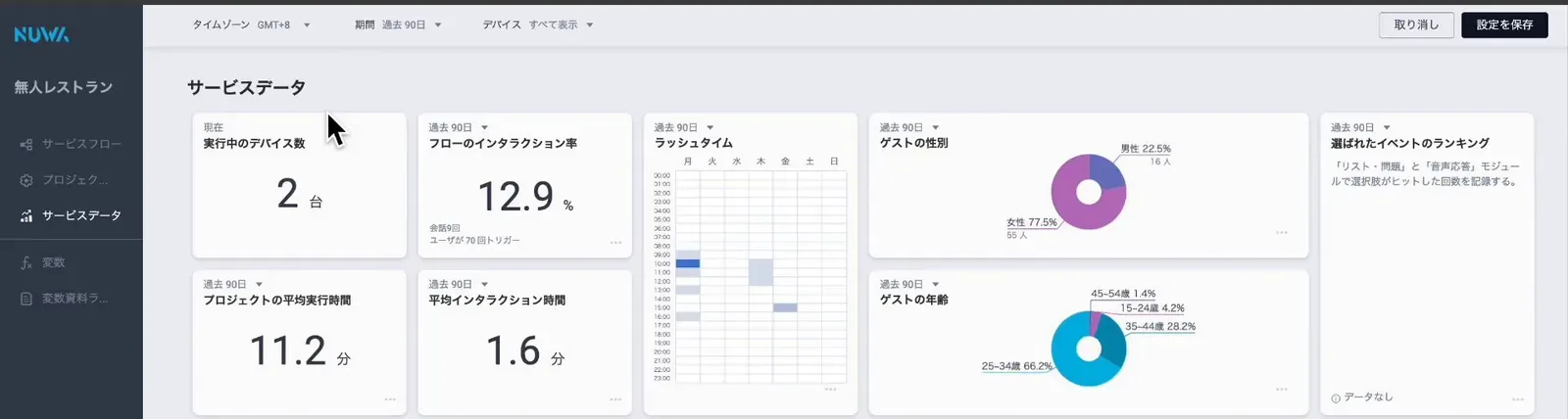
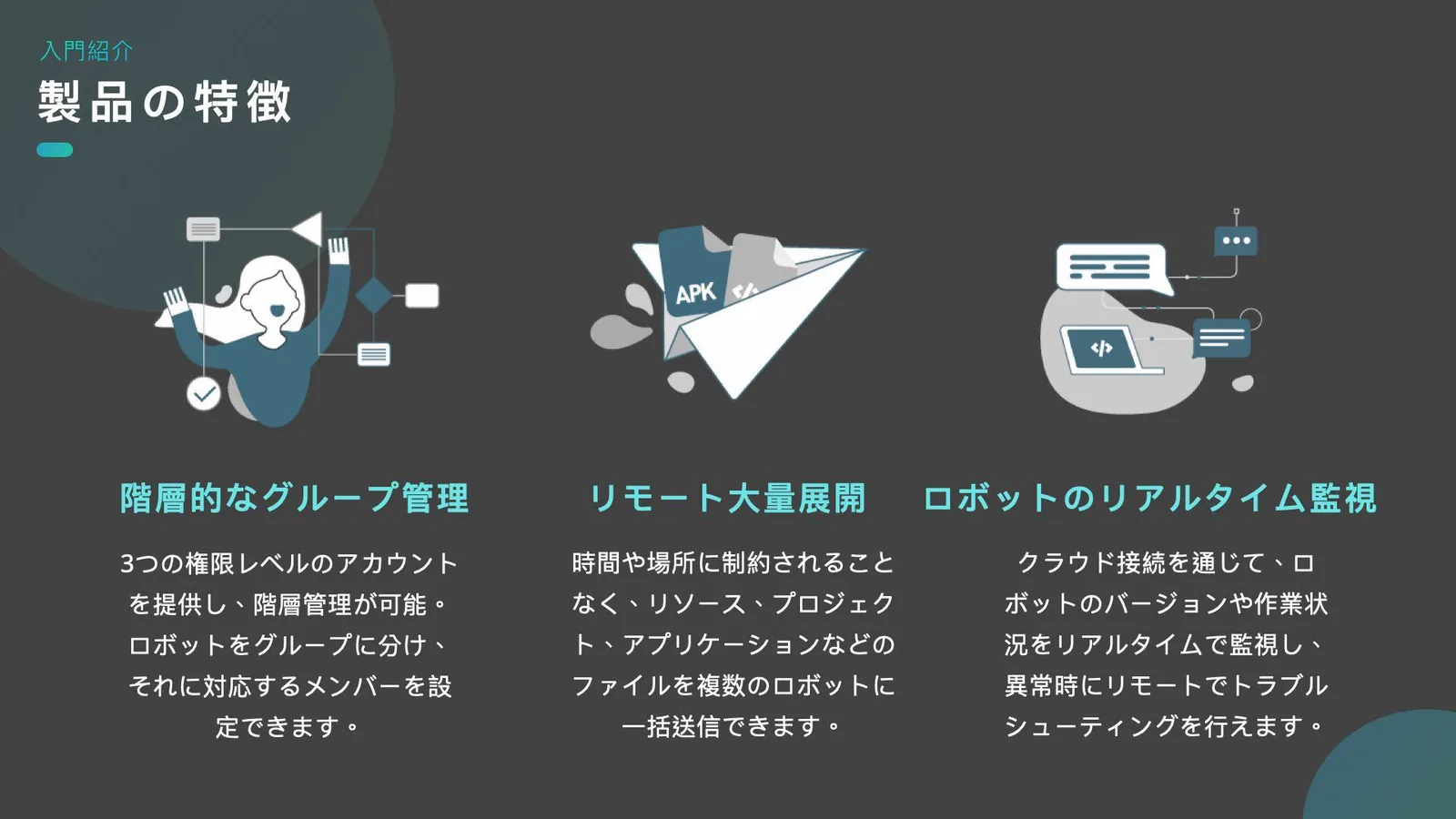
Centrally manage status monitoring and content distribution for multiple units by location or group.
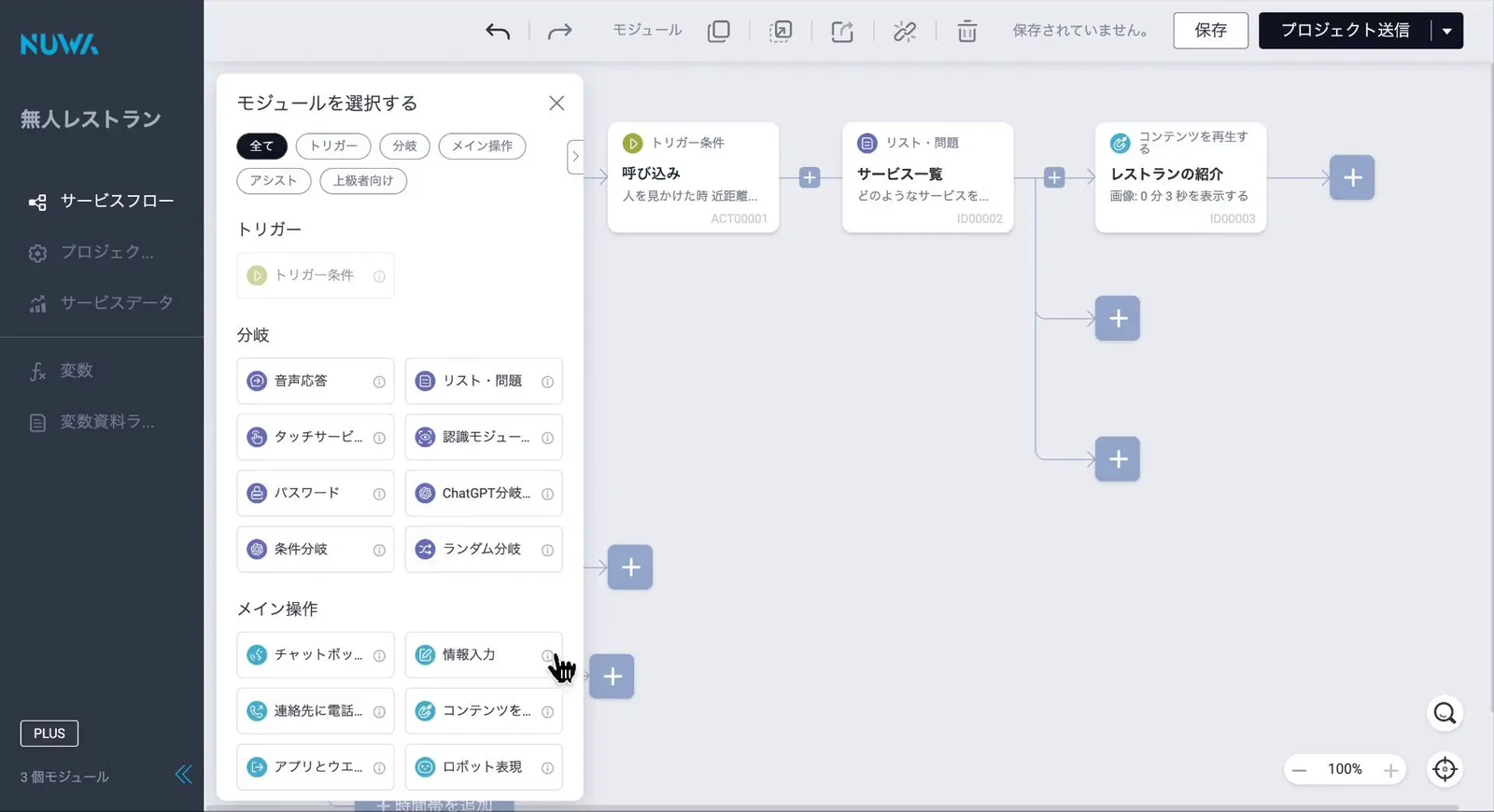
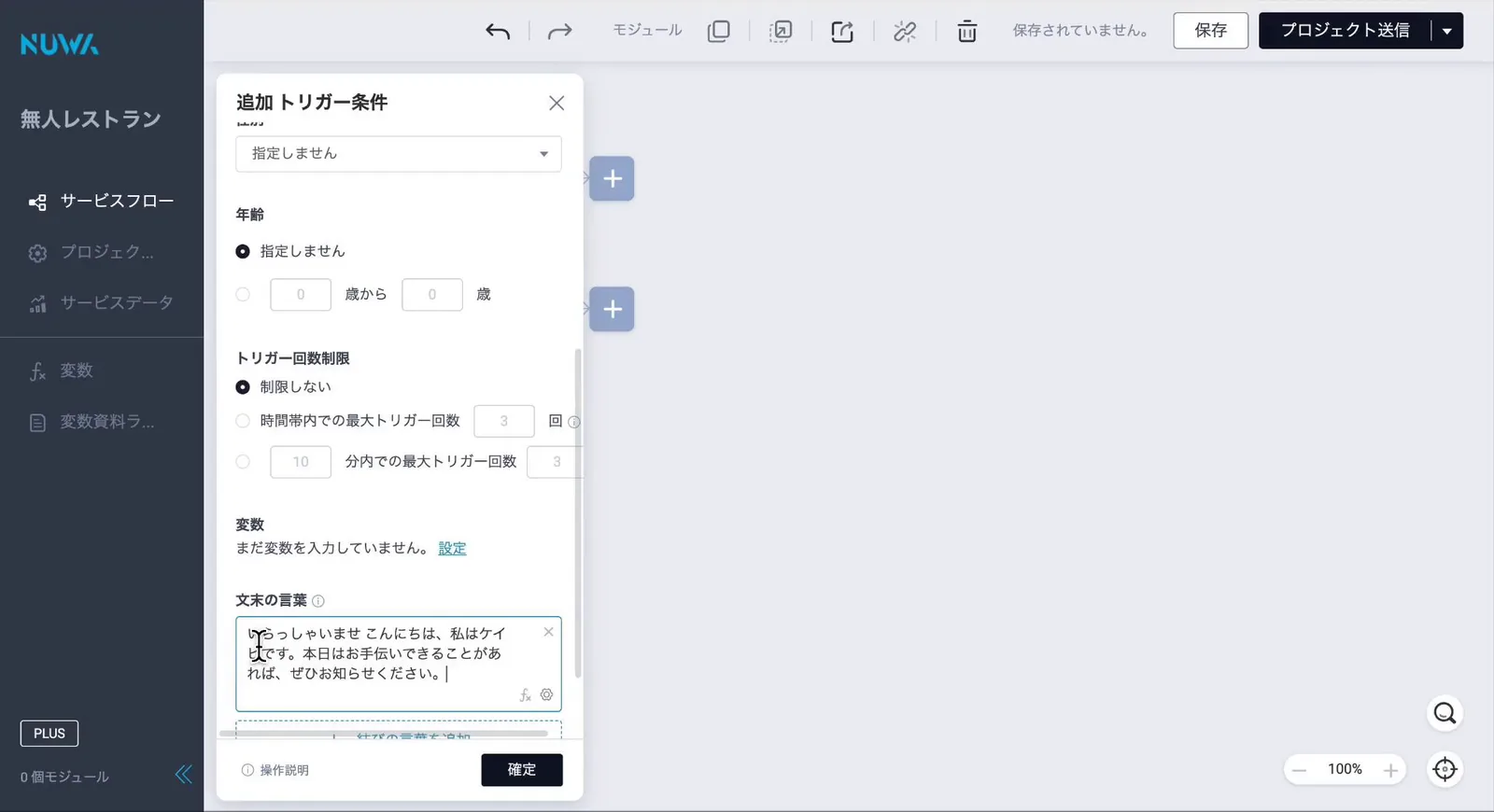
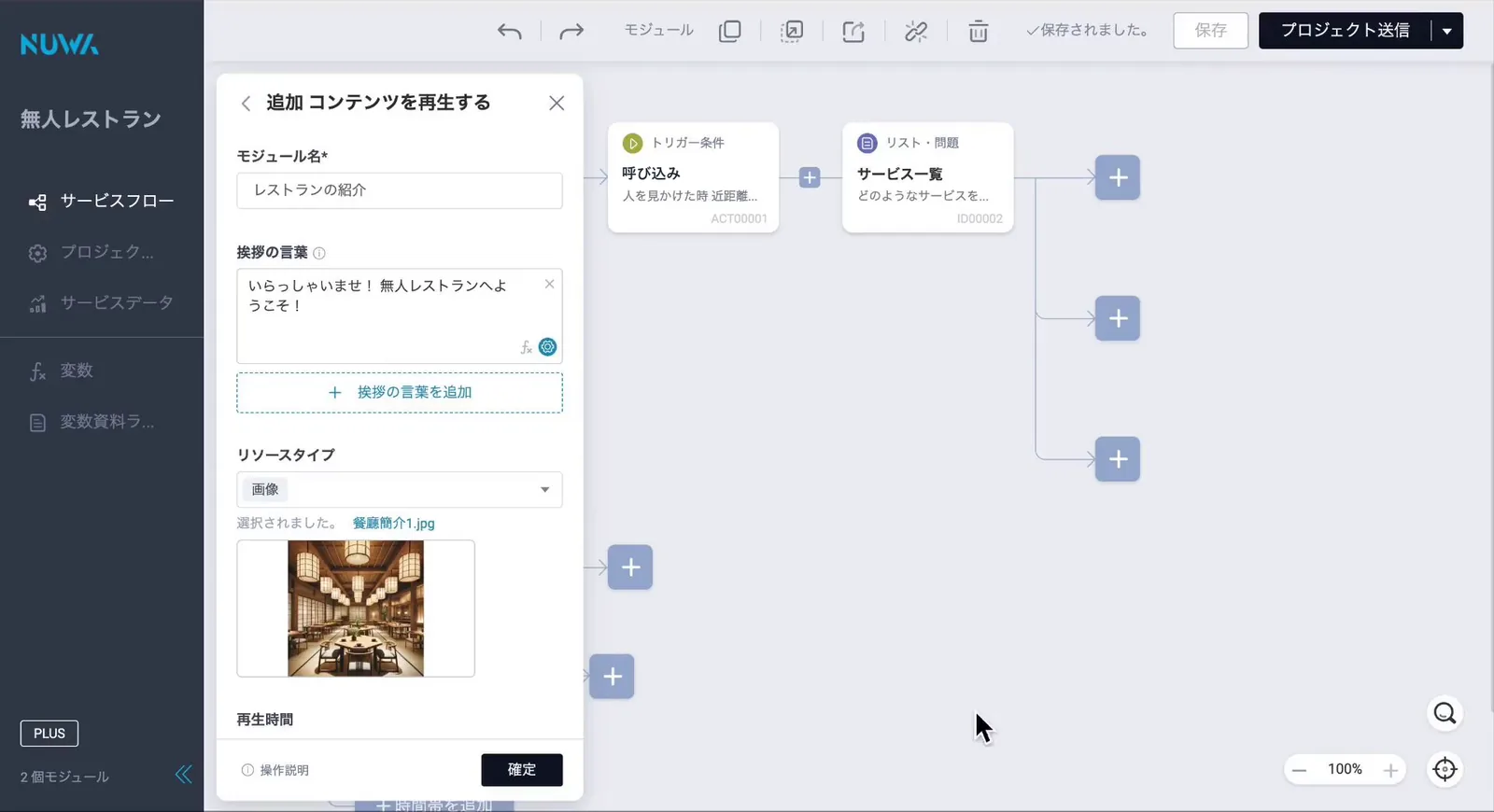
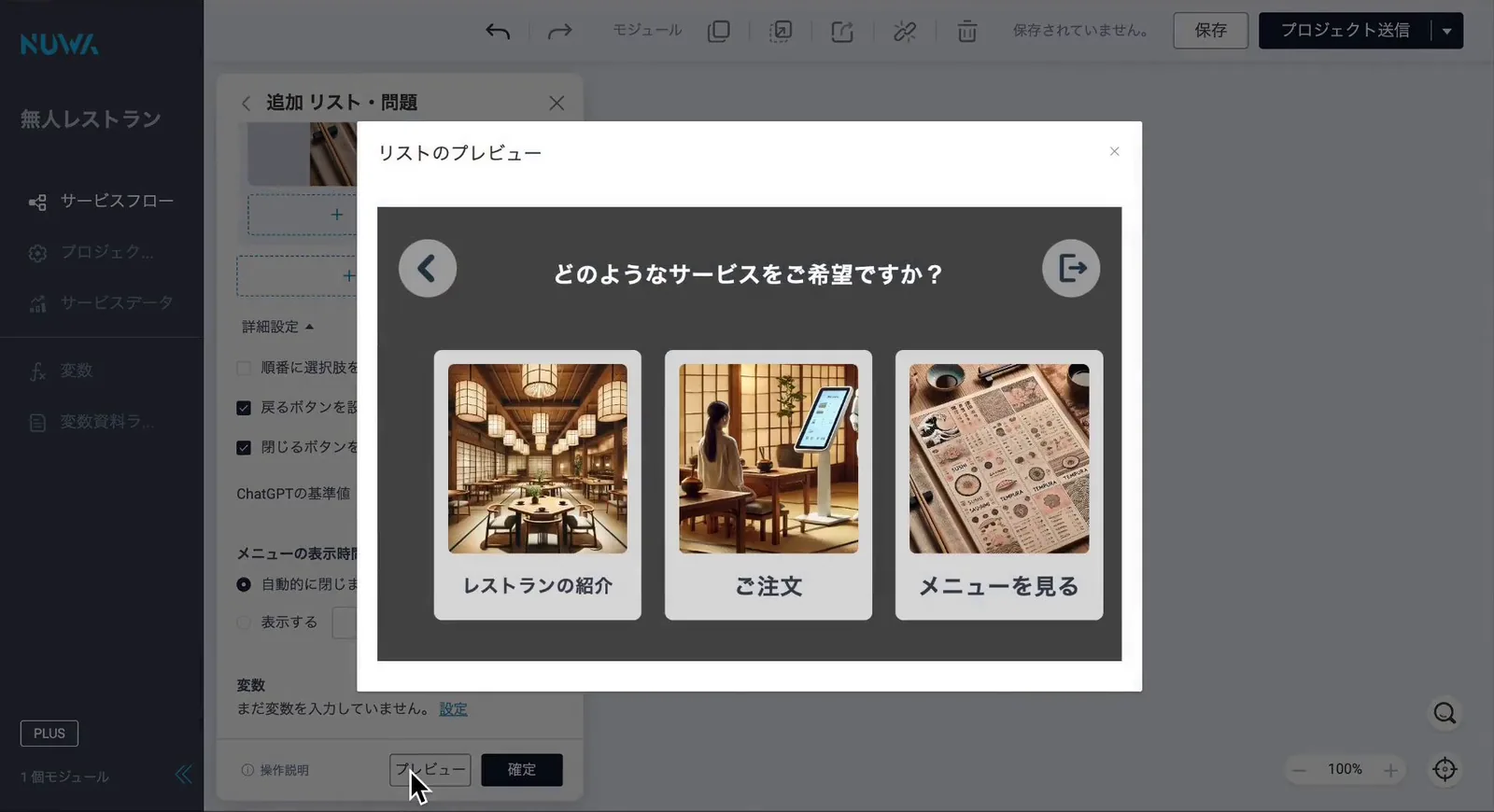
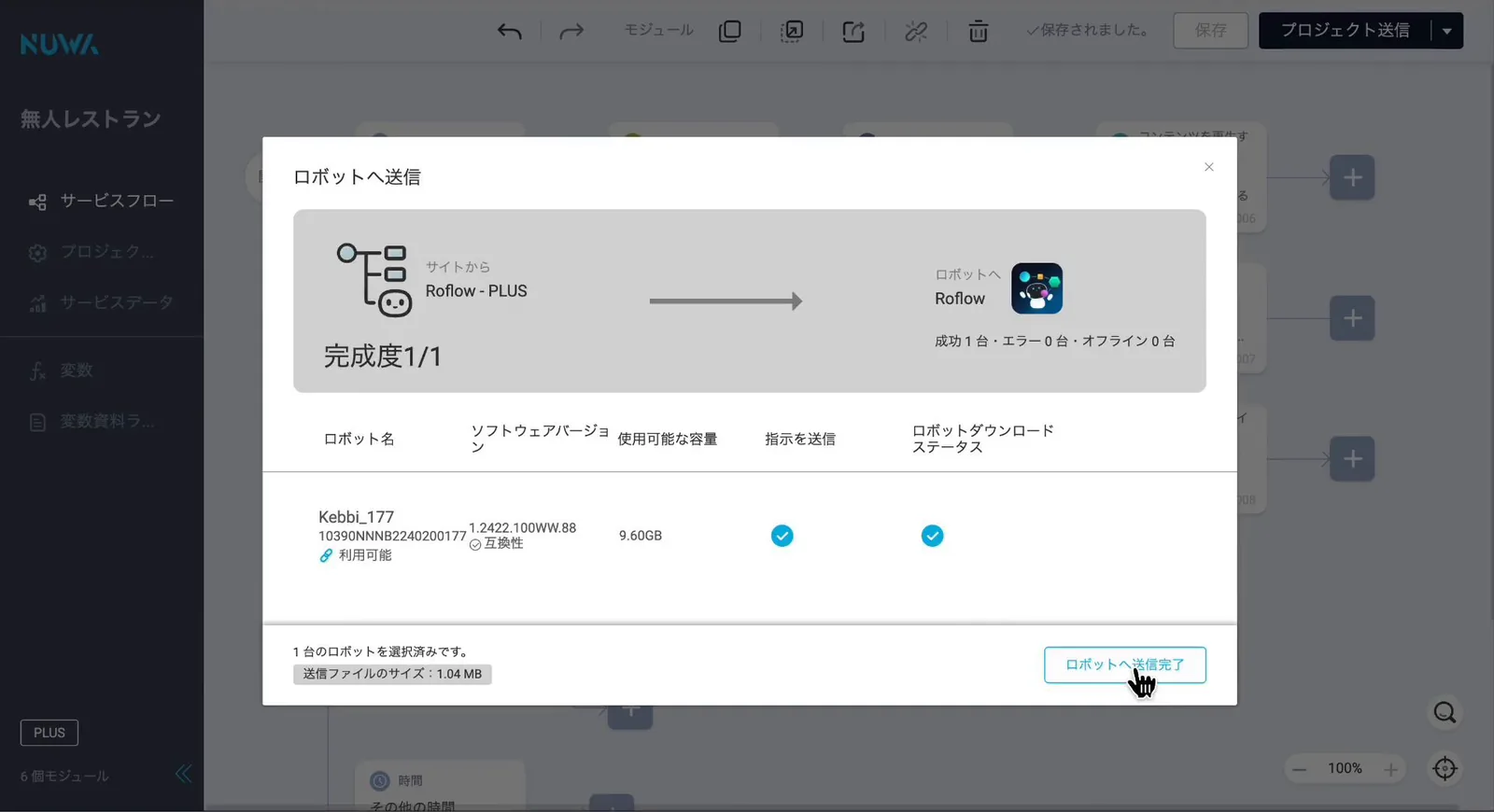
Build workflows from reception to guidance, inquiries, and handoffs with drag-and-drop operations—no programming required. On-site staff can configure conditions on the spot—such as 'when spoken to,' 'when the head is touched,' or 'when the screen is tapped'—and set subsequent robot actions. Content updates for campaigns or seasons can also be completed entirely within this tool. Expressions, content, and quizzes created in other tools are called and used from this flow. Roflow connects the other 7 tools, serving as the hub to assemble the entire on-site experience.
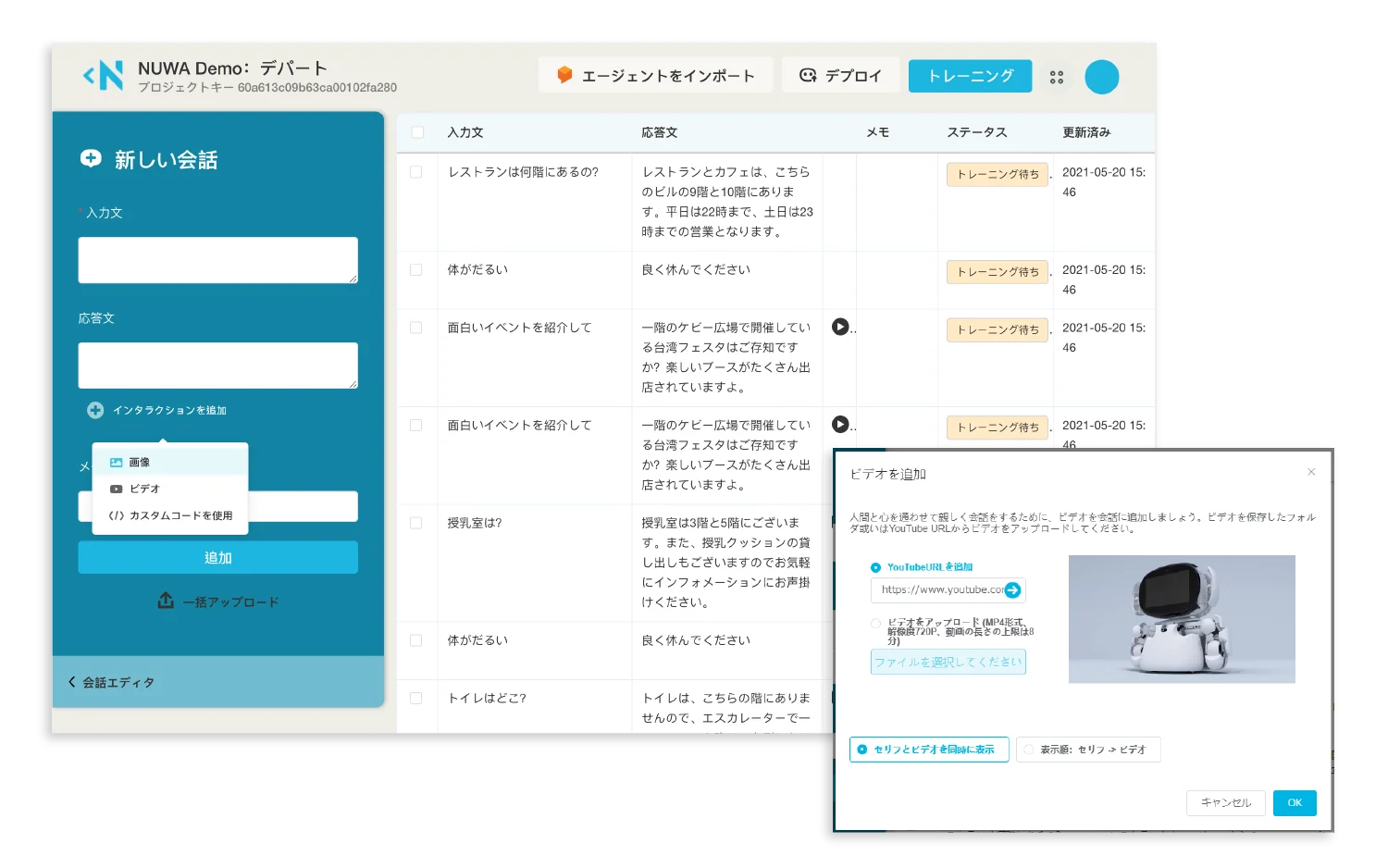
Design multi-turn dialogues simply by entering Q&As. Training is performed automatically in the cloud.
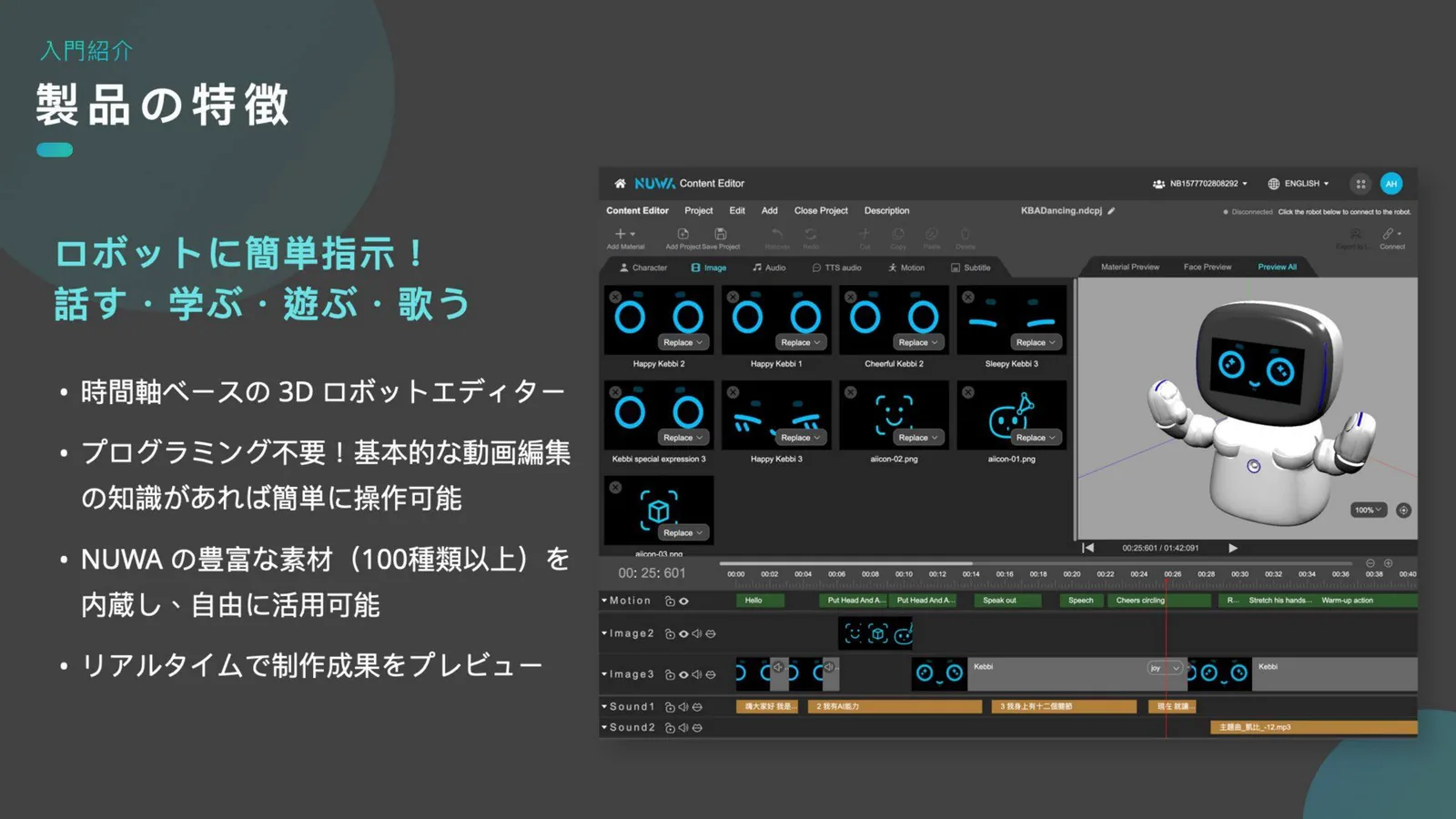
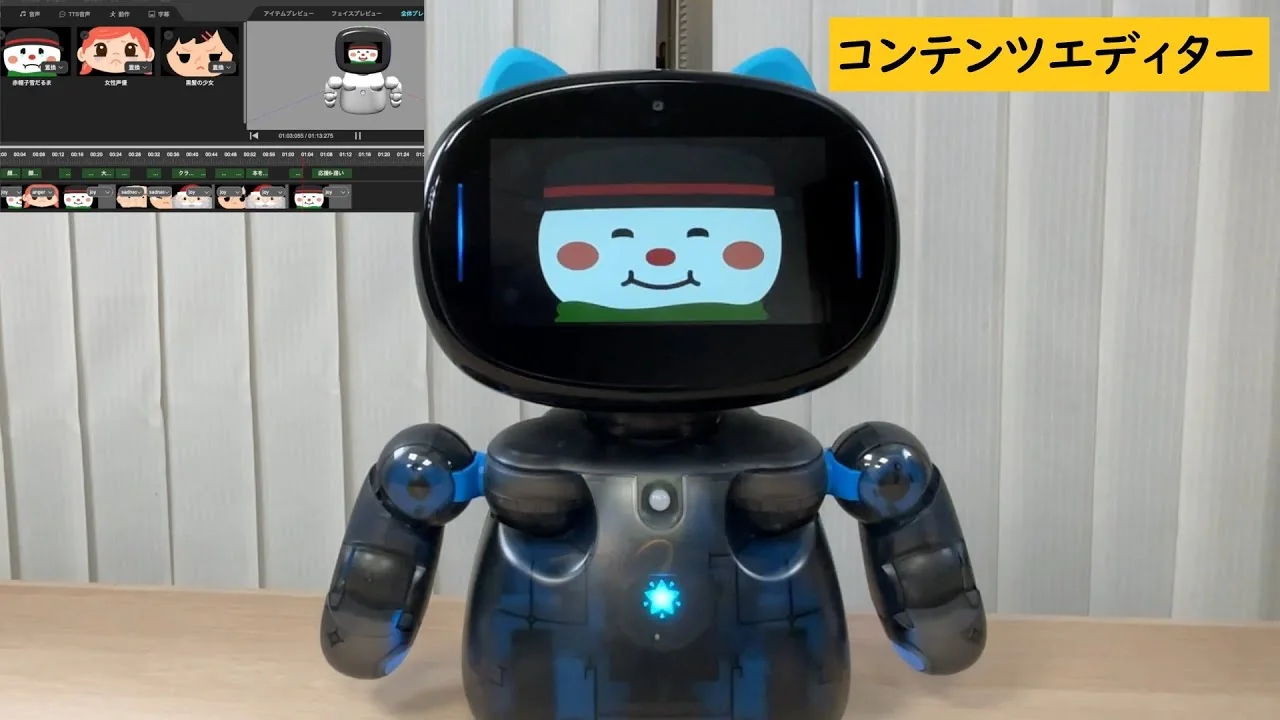
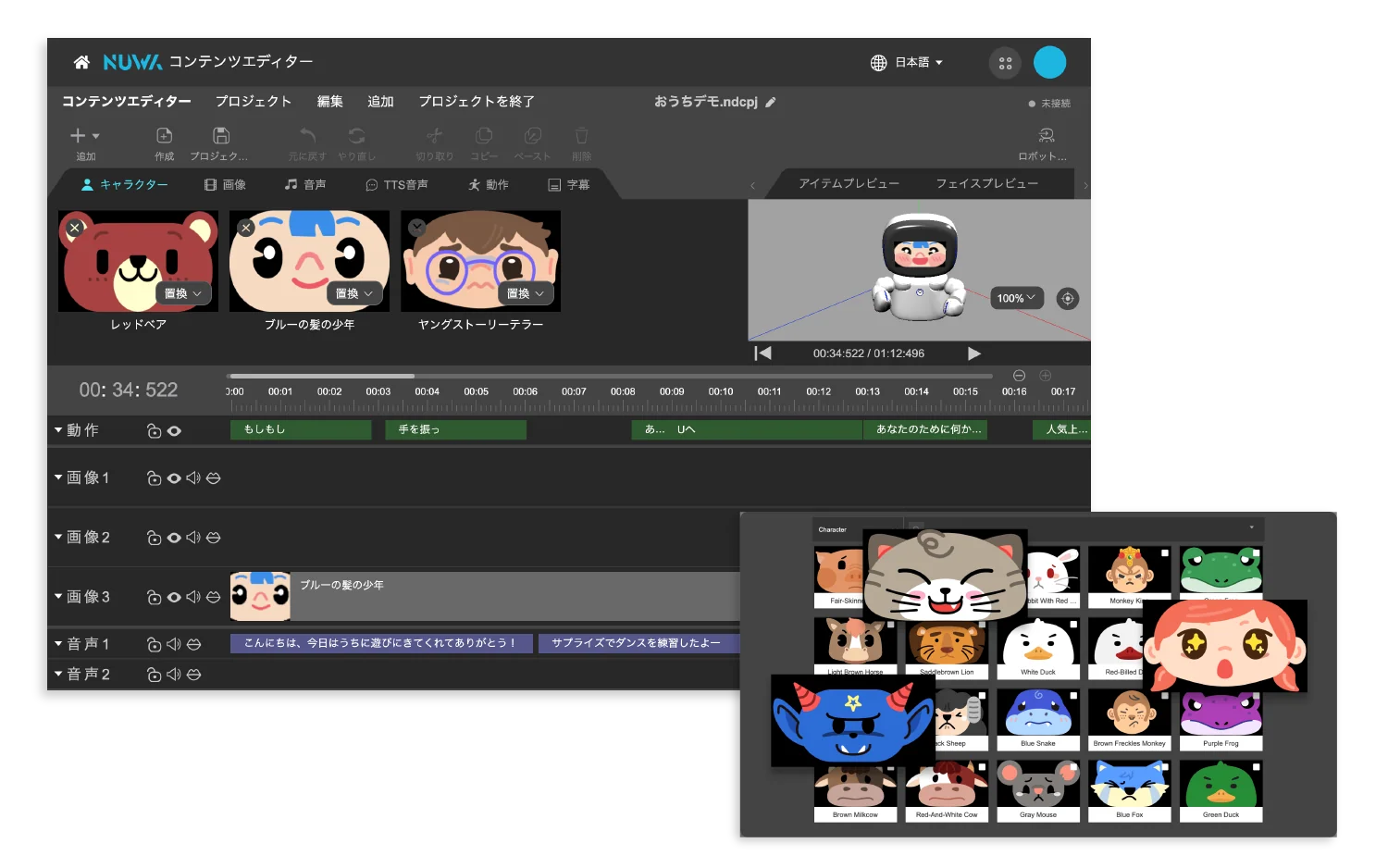
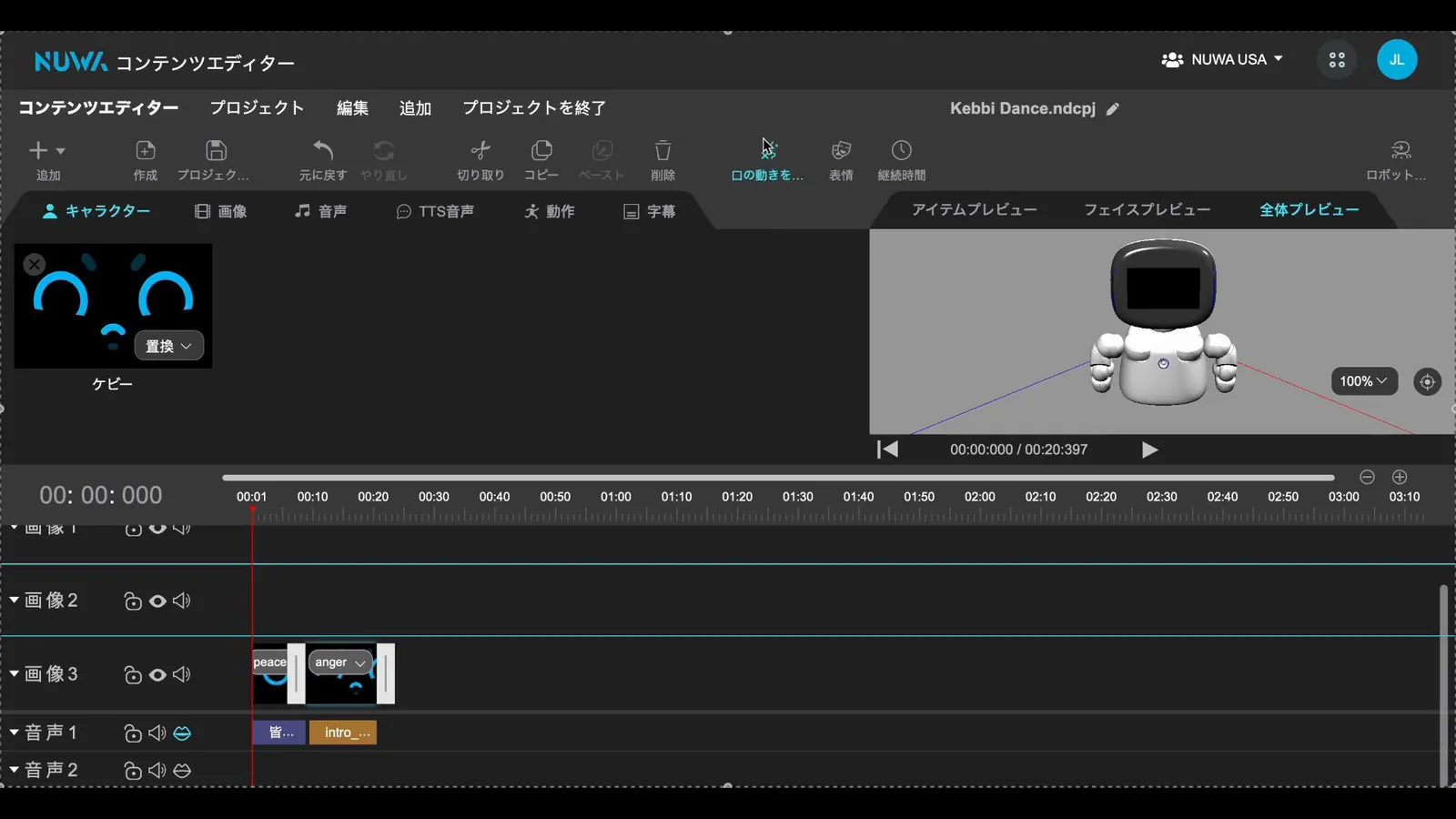
Like video editing software, arrange facial expressions, motions, audio, and subtitles along a timeline to assemble performances.
Configure multi-robot performances all at once, including themes, music, formations, and execution times. Supports both real-time playback and scheduled operation. Please contact us for domestic availability in Japan and interface details.
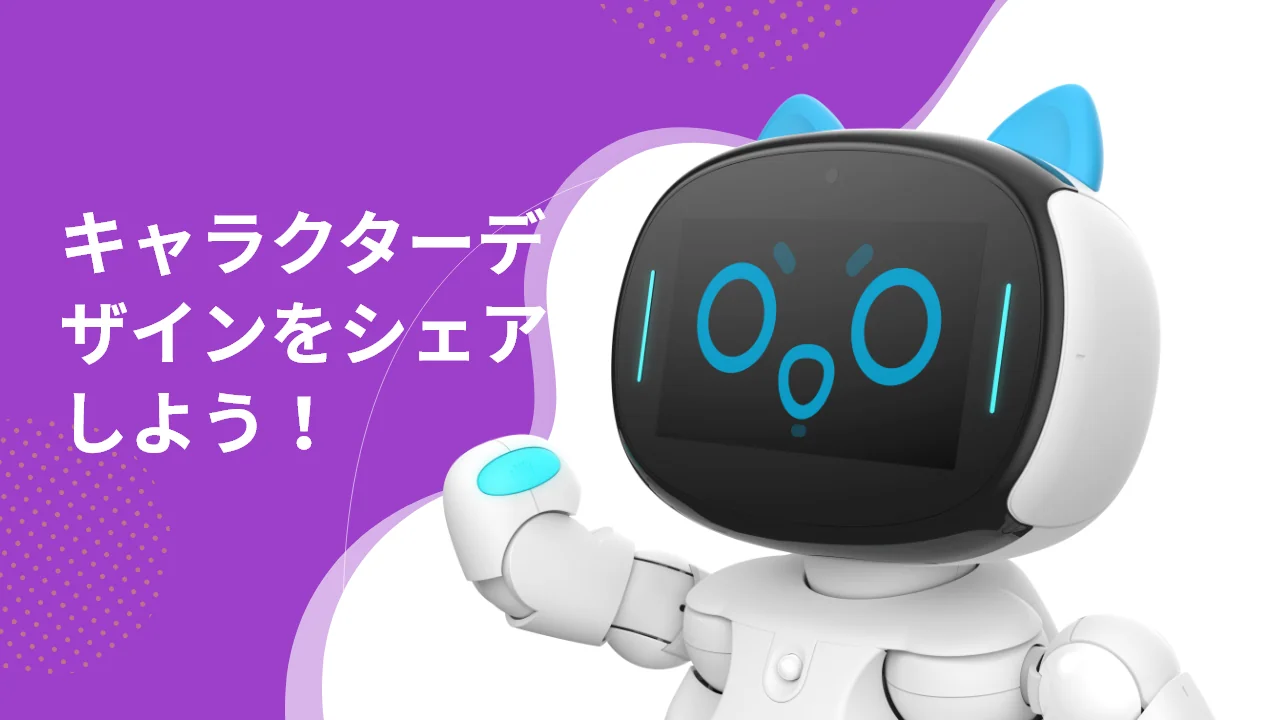
Design dynamic robot facial expressions using templates and assets. Animations can also be generated from still images.
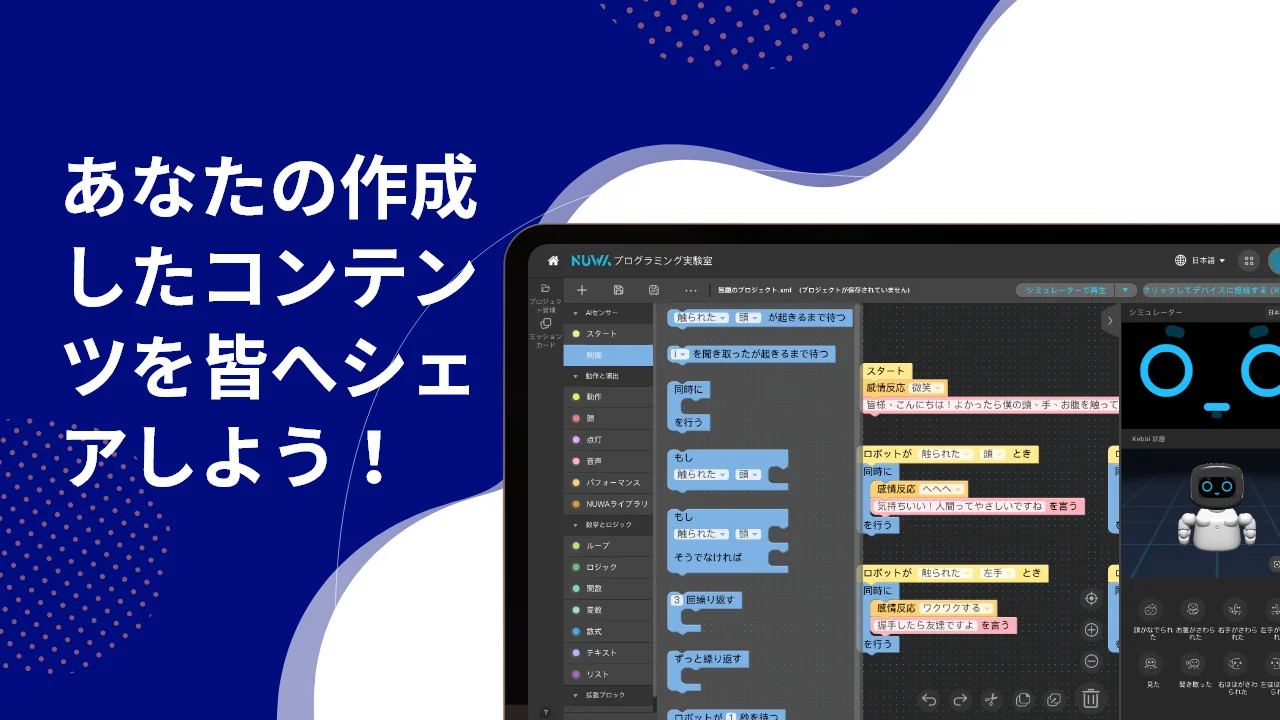
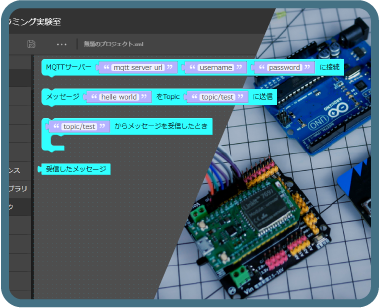
A block-based programming learning and development environment. Assemble motions and conversations without specialized knowledge.
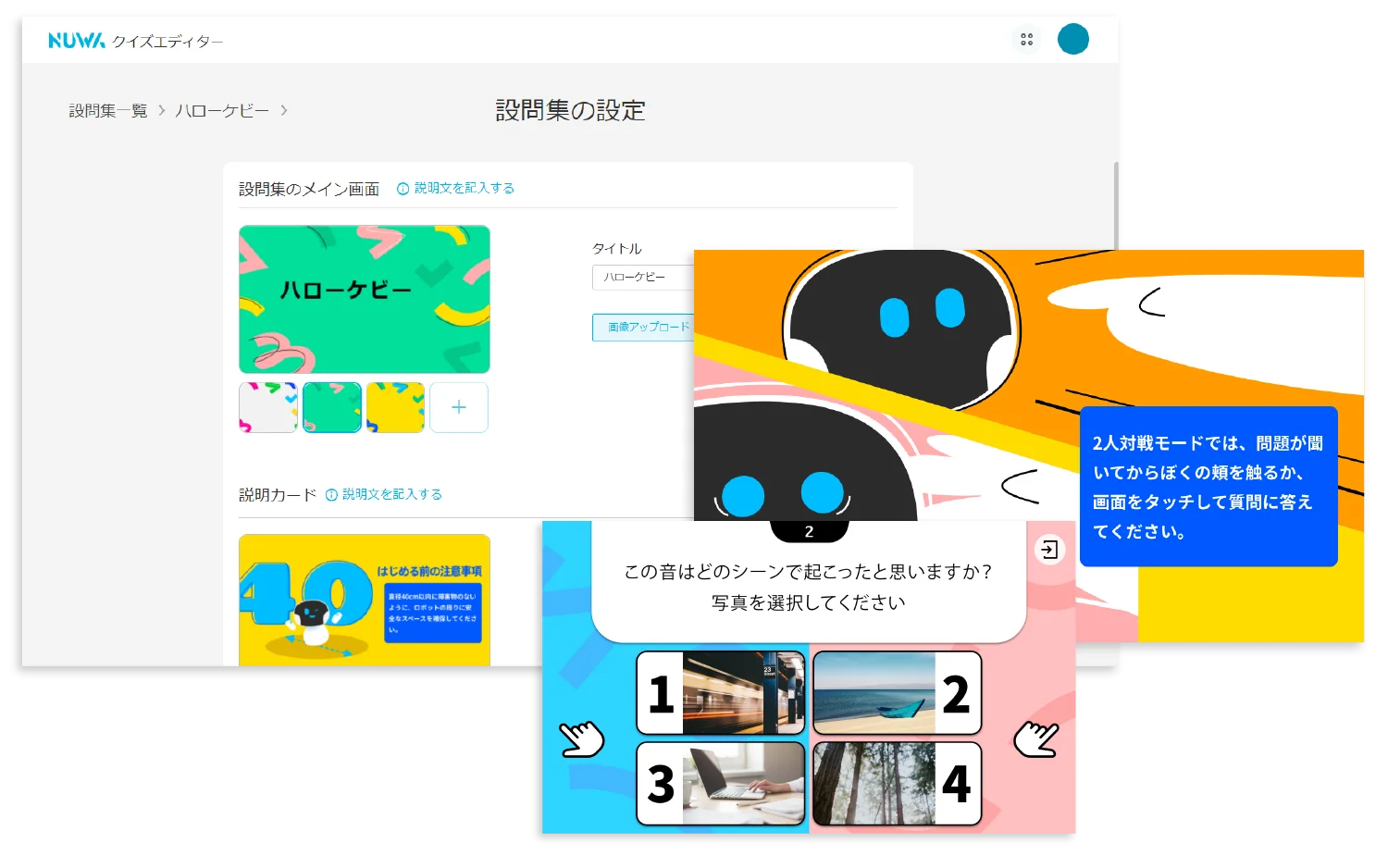
Create quiz content hosted by the robot. Build question sets and deliver quizzes on the spot.
Screens shown are from the Japanese version or language-independent diagrams. Displayed items and available features vary by robot model, OS, and deployment configuration.
A tool for structuring workflows such as reception, guidance, and intake, and refining conversation flows.
| Roflow | A flow editing tool for building service flows via drag-and-drop operations. Expressions, content, quizzes, and dialogues created with the other 7 tools can be called from this flow and unified into a single experience. |
|---|---|
| Conversation Training Kit (Trainkit) | A tool for entering Q&A pairs and designing multi-turn dialogues |
Combine robot facial expressions, motions, audio, subtitles, and slides to fine-tune presentation delivery.
| Content Editor | A 3D performance editing tool for assembling expressions, motions, audio, and subtitles on a timeline |
|---|---|
| Face Editor | A tool for creating dynamic robot facial expressions from templates and assets |
Supports block-based learning, interactive quiz content creation, and multi-robot distribution and management.
| Programming Lab (Pro / CodeLab) | A block-building programming learning and development environment |
|---|---|
| Quiz Editor | Create quiz content hosted by the robot |
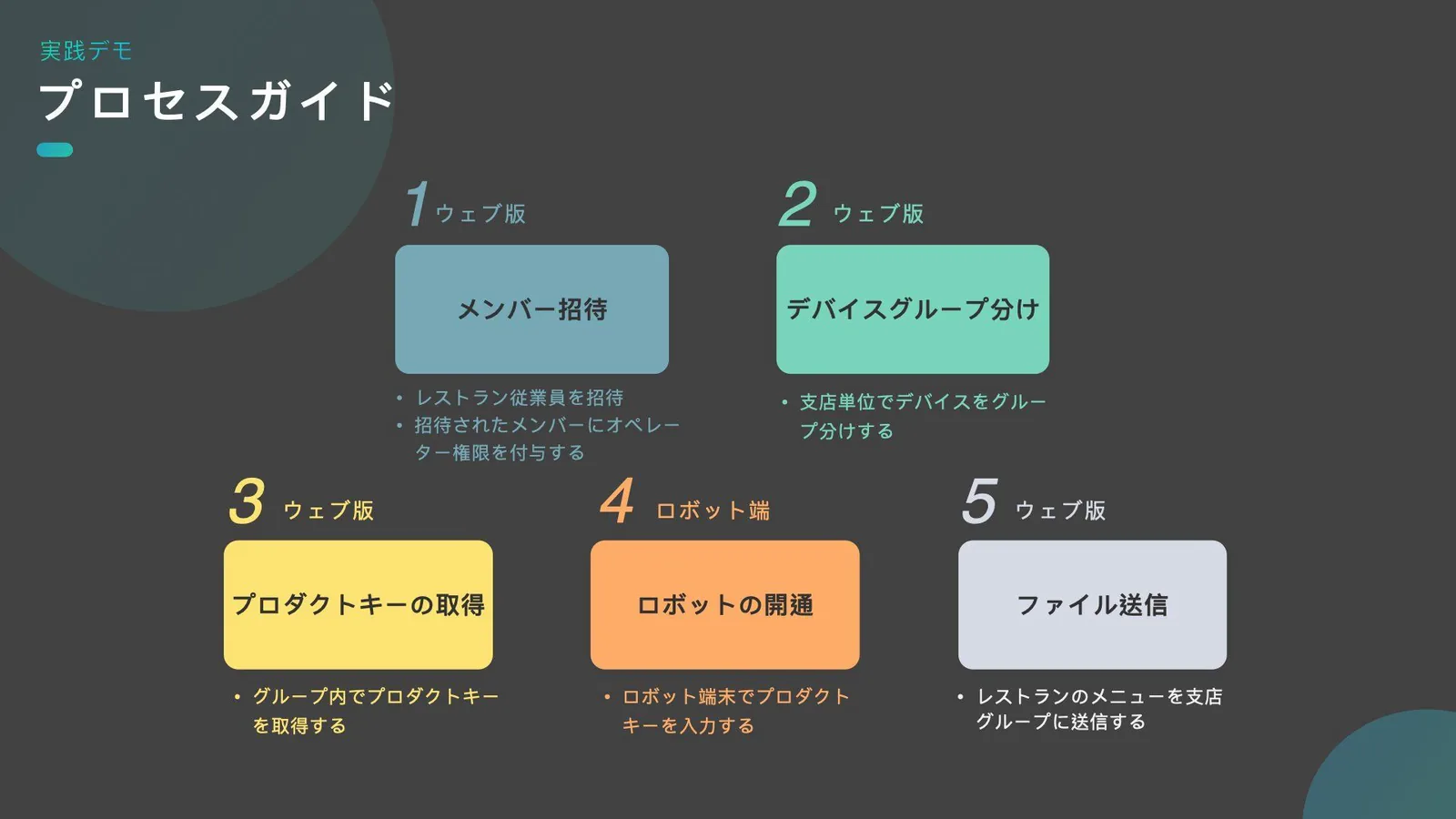
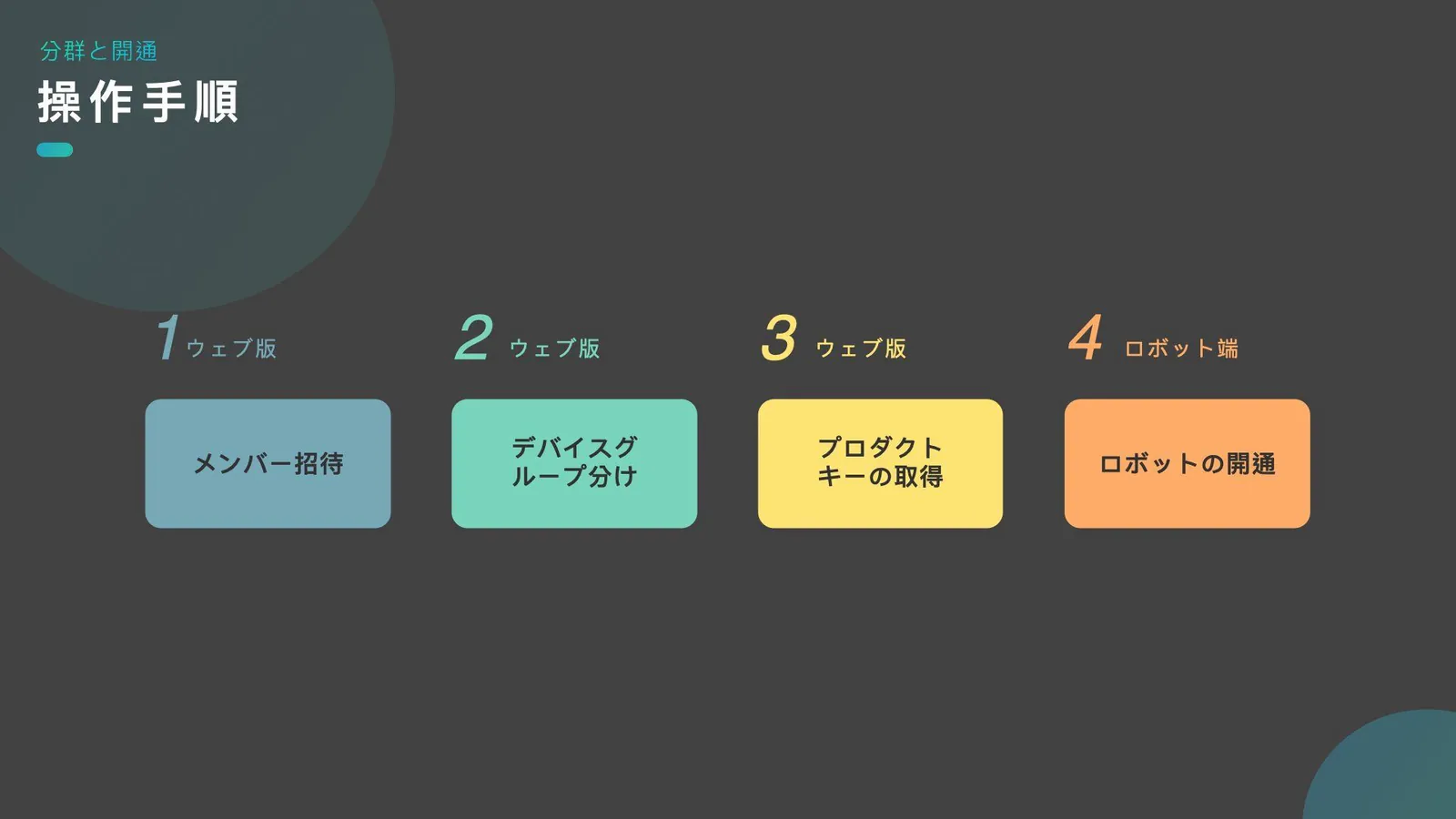
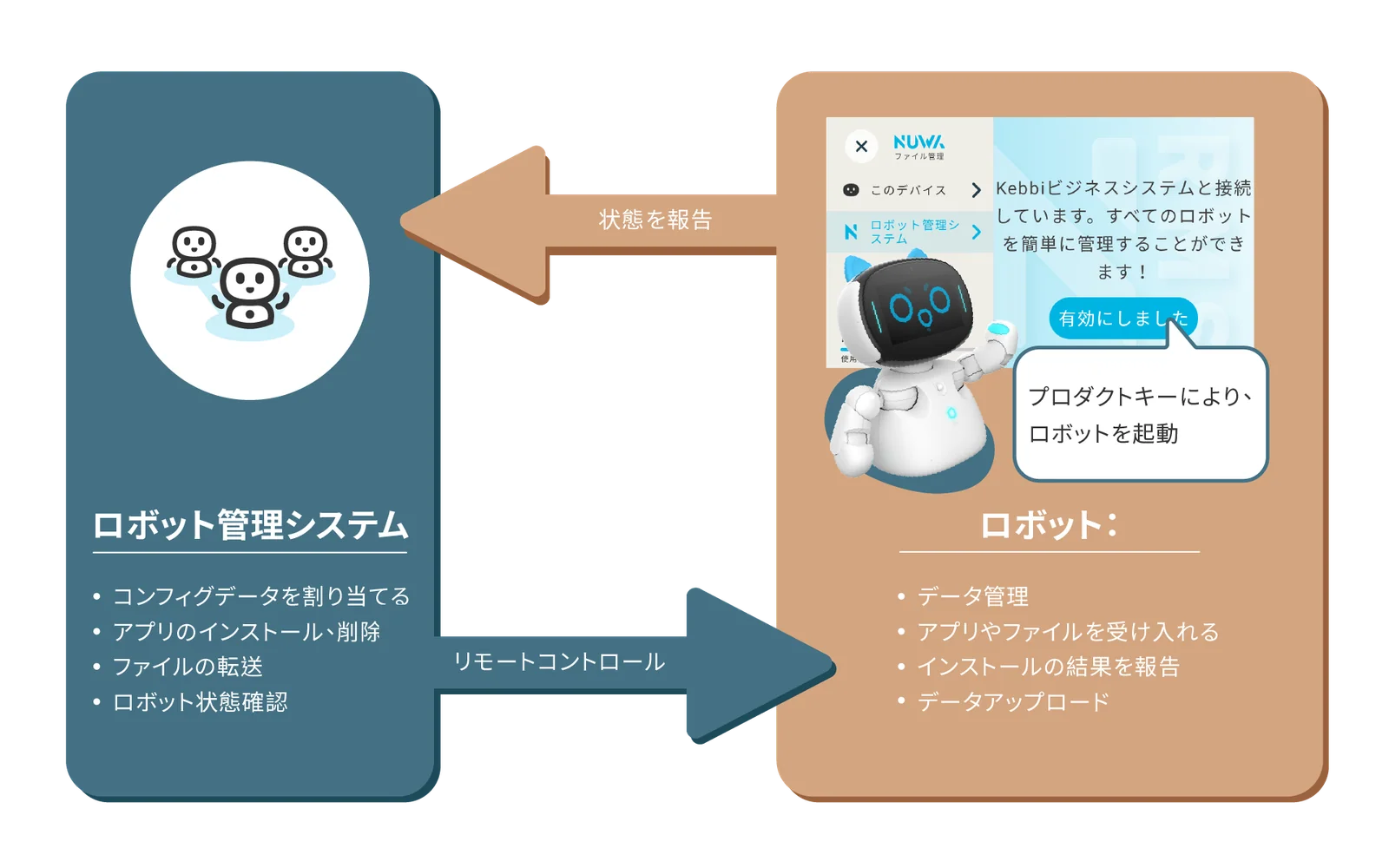
| Robot Management System (RMS) | Centrally manage status checks and content distribution for multiple robots by location or group |
| Group Controller | Centrally configure and manage performances, formations, and playback timing for multiple robots |
Please feel free to contact us regarding implementation methods and our support system.